Just over a year ago, I was taking my first semester of Terry College of Business classes, and I decided I wanted to do more than just marketing. I had not previously looked into Double Dawgs, but upon seeing the Emerging Media Program, I knew I needed to apply as soon as possible. An advisement meeting and an application later, I embarked on my Emerging Media journey.
Emerging Media is a program in the Grady College of Journalism and Mass Communication that gives students an opportunity to learn about web development, design, and UX interfaces.
Throughout my first semester of coursework, I have learned a ton about what Emerging Media does and who it’s for. The program has given me creative opportunities that previously seemed daunting and way above my pay-grade. I practiced graphic design, but I can’t draw. I coded websites, but I dropped my first ever computer science class. I am succeeding in a field I never thought I could, and the satisfaction of doing so has been immensely rewarding.
Featured below are some of the projects I have completed along my first semester journey.
NMIX 6010: New Media Production
I came into this course expecting it to be a grind, and potentially a roadblock for me. Coding has never been a strength of mine, and the only experience I had with it was about 7 weeks of introductory computer science that I took prior to withdrawing from the class. That being said, this class enabled me to do so much more and actually understand what I am doing with code. From the outset, this class never focused on the negatives or what might have been wrong with a given project, but rather, it focused on what we did well and knowing how we can improve. I am by no means an expert at coding, but looking at the progression from first project to last does make me incredibly proud.
Bespoke HTML Website
This project was my introduction into website production. I hadn’t looked at code since I switched majors my freshman year, but this project brought me right back in, utilizing HTML.
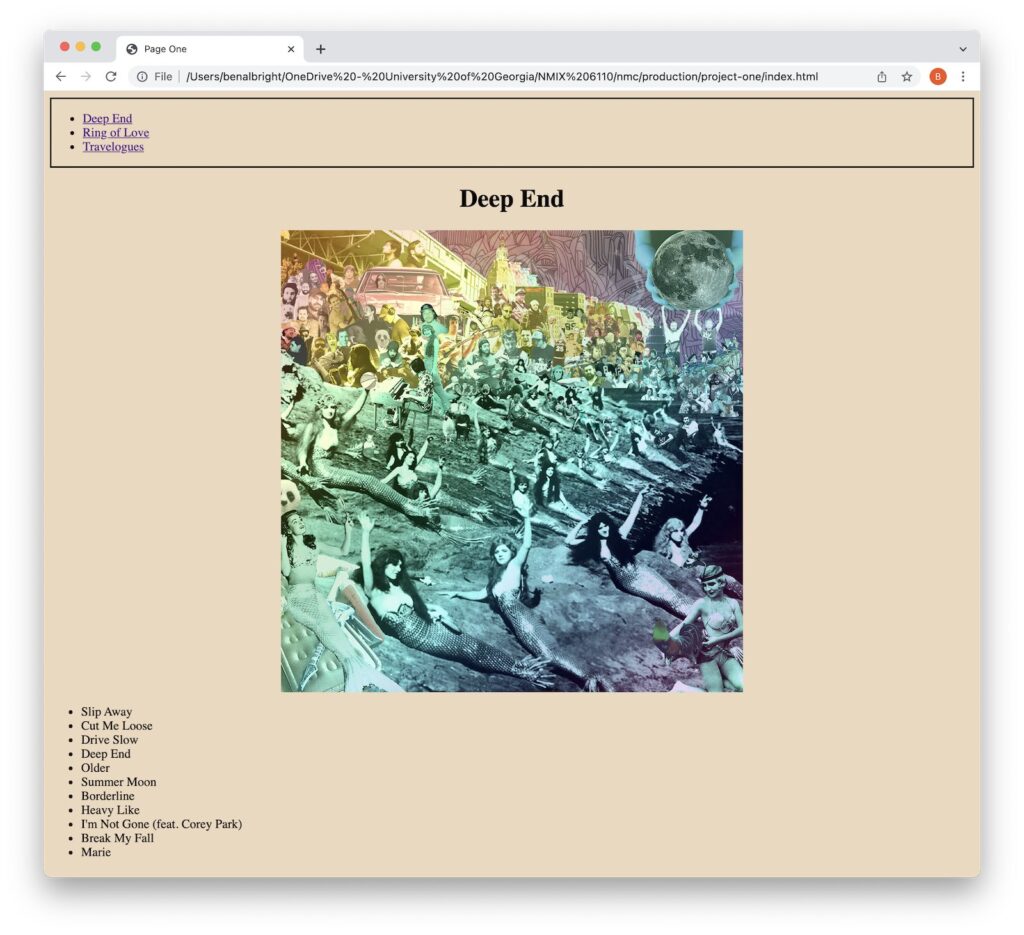
For my first project in the emerging media double dawgs curriculum, I was tasked with making a bespoke website and coding it by hand. While this task did initially feel daunting, by the end I felt really proud of my ability to write code that actually works. I found the whole process very fulfilling, especially considering that I had withdrawn from an intro programming course my freshman year. Using free code camp to learn the basics of HTML, CSS, and practice coding was the biggest asset in building the website, and I definitely picked up a few tricks that I really liked from there. One of the biggest challenges I faced was trying to use a hover function to customize the color of my hyperlinks. I struggled having the color apply to the visual links, but after getting some help from my instructor and free code camp, I was able to apply the effect to the links instead of the list. I think this helped the overall aesthetics of the page, as each page in color coded to match the colors in the album covers. I did this by using an online hex color identifier to get the exact same color. Another way I added to the design of the page was by using a Google font on the titles.
For the theme of my website, I decided to make it about my favorite band, Doc Robinson. They have three studio albums, and I have dedicated one page to each of them in chronological order, named Deep End, Ring of Love, and Travelogues. I have included a track list of each album’s songs, as well as the title and album covers. This project truly represented my first steps back into coding.
Bootstrap Triptych
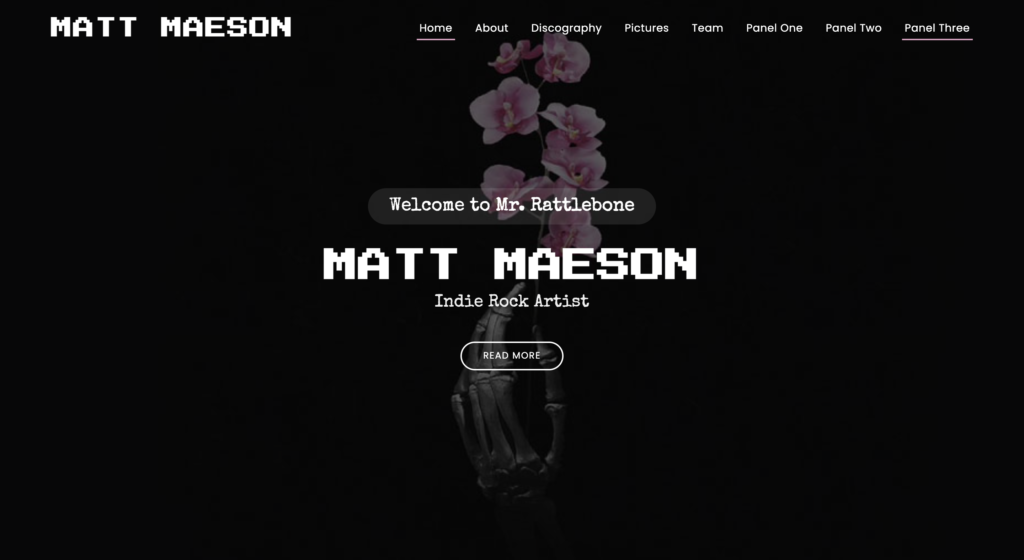
Using Bootstrap helped smooth out the display issues I found in project one, and this project shows the evolution from handwritten to templates and more.
In the first portion of this assignment, I began working with bootstrap for the first time. While there was a bit of a learning curve, I feel as though I was able to produce a website that looked the way I wanted much easier than coding from scratch like in the first assignment. One specific challenge I met was troubleshooting parts of bootstrap and trying to figure out what went wrong and where it was. Once I found the problems, fixing them did not take too long. I am proud of the theme I was able to achieve in the first panel of this assignment, and I feel as though working with bootstrap without a template was necessary before using a template.
In designing panel two, I learned about using templates for bootstrap and also some limitations. Since we were only able to alter some elements of the template, I could not really make the website feel like my own. While it did contain my content, it was not my vision and did not convey the content how I wanted. The website does look very pleasing, but panel two definitely taught me that I cannot just plug my information into a template and have it be perfect. Rather, I need to find a middle ground between template and personal.
In panel three, I did just that, combining both panels by fully customizing the template until it looked exactly how I wanted it to look. After finishing panel two, this part took me the least amount of time because I knew exactly what I did not like about my template and wanted to change. While it is the same vessel, the website most certainly reflects more of my vision for it than in panel two, and I found the experience of working with bootstrap and bootstrap templates extremely rewarding and interesting. Comparing this to project one, I am quite proud of my development as a web designer, but I am no where near done.
WordPress Variety Pack
Switching gears from Bootstrap, this project focused on two popular WordPress archetypes, commerce and news sites.
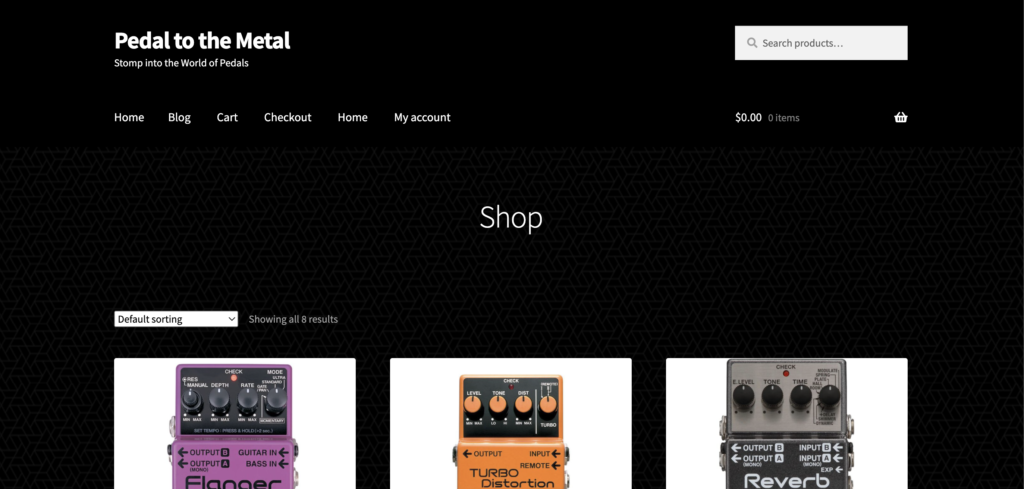
To start, I made a commerce site selling guitar pedals and synths. I wanted to make the website look clean and “tech-y” to match the aesthetic of the guitar pedals, so I used a black background with white and purple accents, with a subtle background texture to give the page some more detail. I then assigned the products to their specific categories and added pricing and descriptions.
In the news part of this project, I found it challenging to make the website look exactly how I wanted until I got a little more comfortable with the widgets and WordPress settings and customizations. I chose to make a reusable block for my album review categories to make formatting much easier as I went, and I added a background texture to help make the page a bit more visually enticing. I definitely learned a lot about the versatility of WordPress throughout this project, and I hope to continue building on that knowledge throughout the rest of the program.
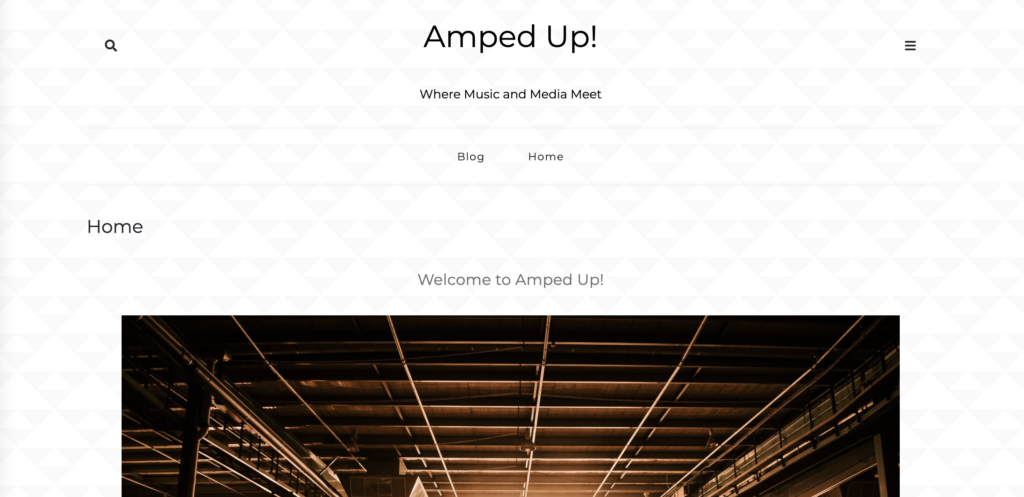
Final Project: Freelance Bootstrap
This project represents the summation of my coding journey this semester, from a former Computer Systems Engineering Major who couldn’t code to success web designer with much more to learn.
This project was a summation of this semester’s coursework, and a full depth reflection is available here.
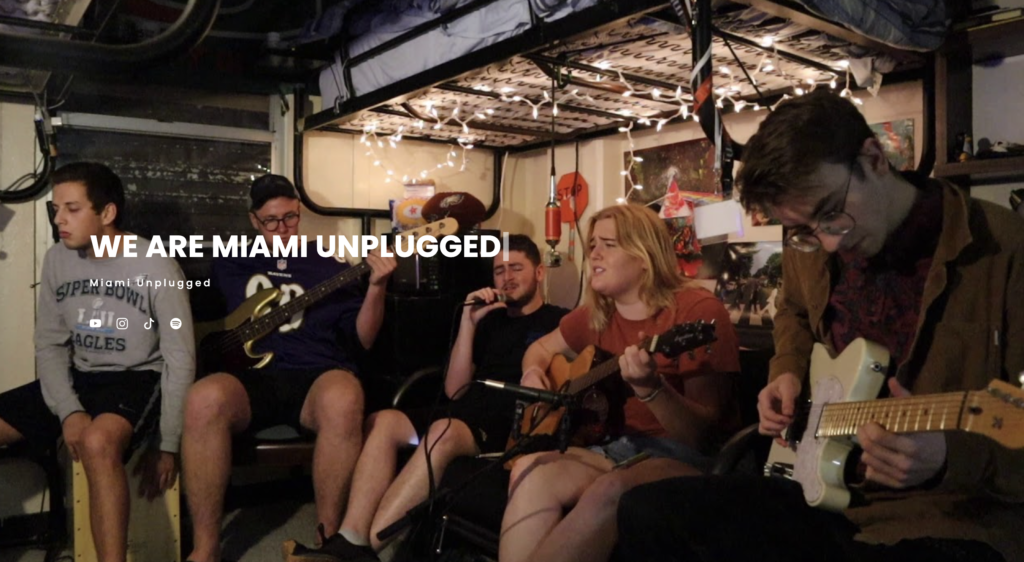
This course has definitely affected how I view my career goals post-graduation. I never really thought about the crossover between music and web design, but doing these projects has shown me that I might want to pursue a future building websites like these. I had wrote myself off after dropping my first coding class, but this class has renewed my faith in coding, and I look forward to getting better and more confident in my potential as a web developer.
NMIX 6011: New Media Design
As a part of my Double Dawgs curriculum, I took this course as NMIX 4010. I had never been one to draw or paint, but using the programs taught in this class has really taught me how to express my creativity in design. One of the focuses of this course is for students to understand the complexity of every choice made in the design process. Every component is meticulously edited and refined until the design reflects what the designer wants, and this class gave us the tools to do just that.
Throughout the course, we learn how to use software that aid creatives in designing many different things, from designing billboards in Photoshop to making fully functioning website prototypes on Figma. These programs started out as incredibly daunting challenges, to learn a totally new software to the point where I could create something from scratch, but now I feel that these programs are actually resources I can use as needed to better equip me for whatever design challenges I might face. This course taught me how to learn software in a practical way, how to work with others in creative endeavors, and how to manifest creativity into design, even without pen and paper.
Projects from my coursework are presented below.
Project Yellowlight
This project introduced me to the Adobe Suite of apps. Project Yellowlight focused on using Adobe Photoshop to make a billboard design. This project limited us to using seven words or less, focusing heavier on the imagery and message of the billboard rather than loading it with information. I learned that less is truly more, and that a clear, visually appealing design can be quite effective given the right balance of visual elements.
Illustrator Logo Project
Adding on to the Adobe Suite, this project focused on using Adobe Illustrator to create a logo for a fake business or friend. This logo is for my friend’s music recording group, Miami Unplugged. We designed an entire brand around the logo, including an all-encompassing style guide. The style guide describes the exact typefaces, colors, visual themes, and brand voice of Miami Unplugged, and had us use Canva to create a presentation to present our work.
Project Triple Threat
This project saw us go forward with the branding we developed in the previous assignment, and challenged us with creating wireframes for a mobile website, desktop website, and app, fully decked out with clickable prototypes. We used Figma as our primary software for creating these designs, and worked together simultaneously to construct the design from the ground up. This project had a heavy focus on teamwork, everyone using the style guide to make the website look like one brand, but from a collective of different creatives.
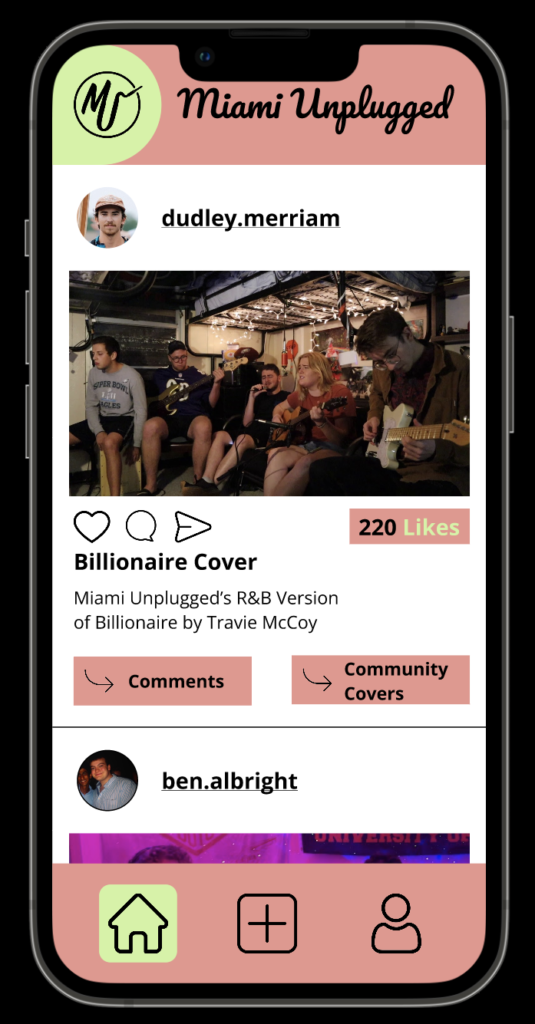
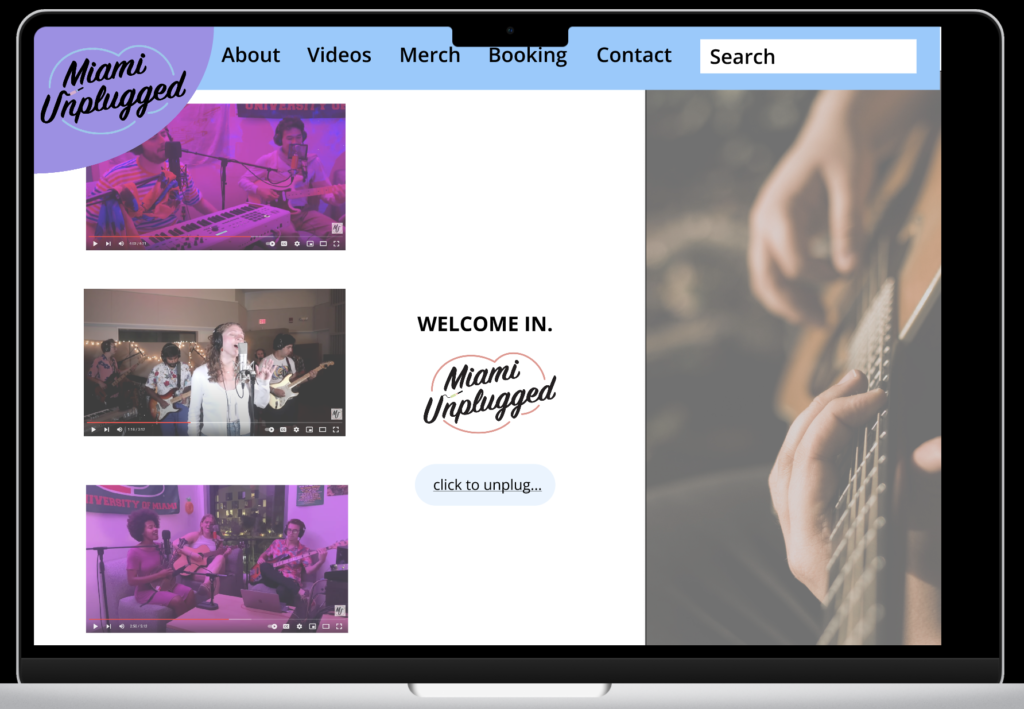
Overall, I found this course incredibly enjoyable. I found myself using course software as a hobby outside of class, and I hope to continue to refine my skills as I continue to grow more comfortable with the design software. I look forward to using this, not only in my capstone, but also in my personal branding as a young professional, and I cannot wait to see what else the Emerging Media Program has to offer!
NMIX 6020: Advanced Web Development
In my final semester of undergrad, I took the course as NMIX 6020. I once again was reminded of how difficult coding could be, but at the same time, I think I got even more fulfillment out of completing the work in this class than its predecessor. For one, this course built on the foundation of HTML, CSS, Bootstrap, and WordPress that was covered in the first course and added Javascript. Though the websites I made may not look as flashy as those from the 6010 class, I have a newfound confidence in the work that is going on behind the scenes in each site I made, starting with the homework lessons that are hosted on this landing page.
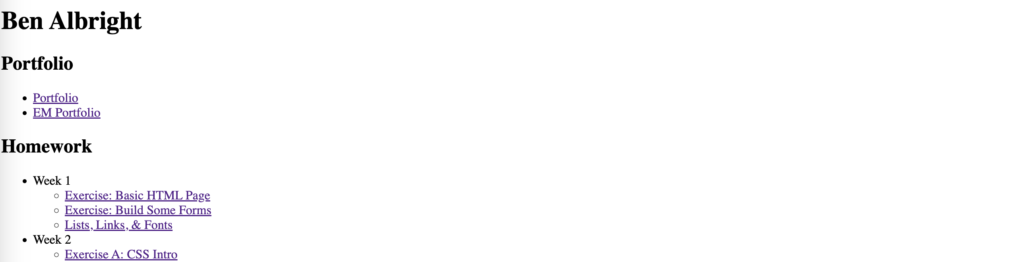
This first portion of the class served as a refresher for 6010 material, using HTML and CSS to build simply websites. These sites were used to build one skill at a time as we ramped up to our first project, a triple candidate slide slideshow.
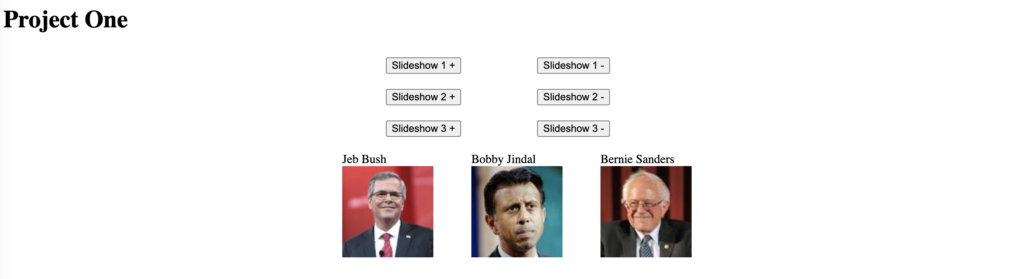
This project was my first real step using Javascript. While it serves the simple function of scrolling through images in three independent slideshows, this project went a long way toward building a foundation for Javascript projects to come.
The next projects would look similar on my webpage, accomplishing new tasks set before me in Javascript. Whether it was making my own objects in an exercise or trying to emulate a news site, I really began to understand Javascript.
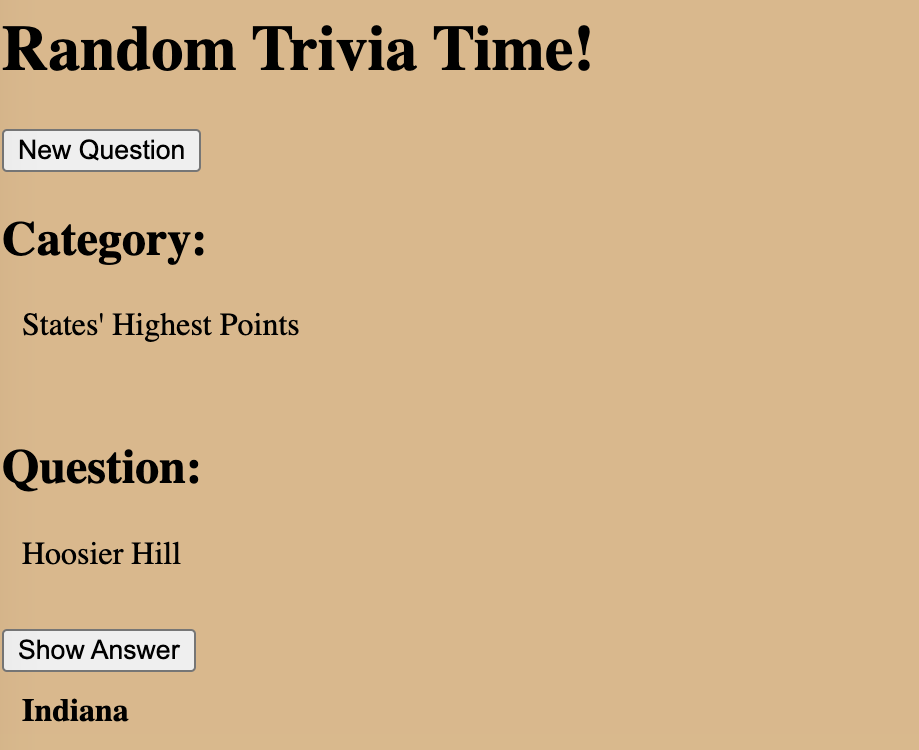
As we moved into the later months of the year, we began focusing on accessing and using JSON data. These assignments ranged from using NASA’s custom API to identify potentially dangerous asteroids to using data to ask trivia questions to users.
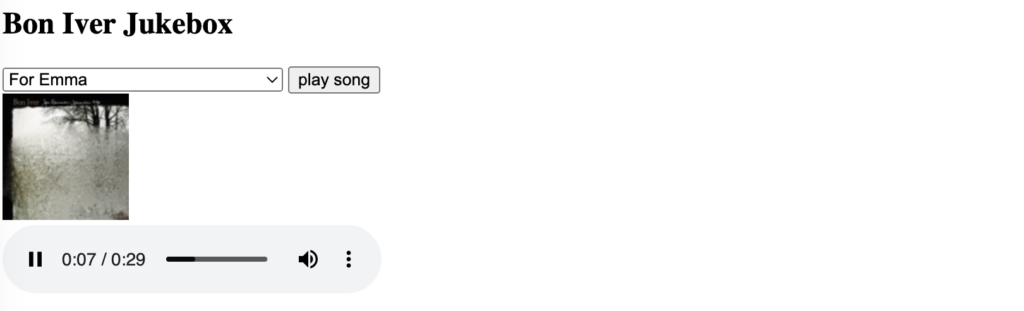
One of the final projects before Thanksgiving break challenged us with making a music player jukebox of 30-second snippets from songs. As a long time music lover, I was very excited to be able to tie in something I am super passionate about, and this project even gave me inspiration for my final project.
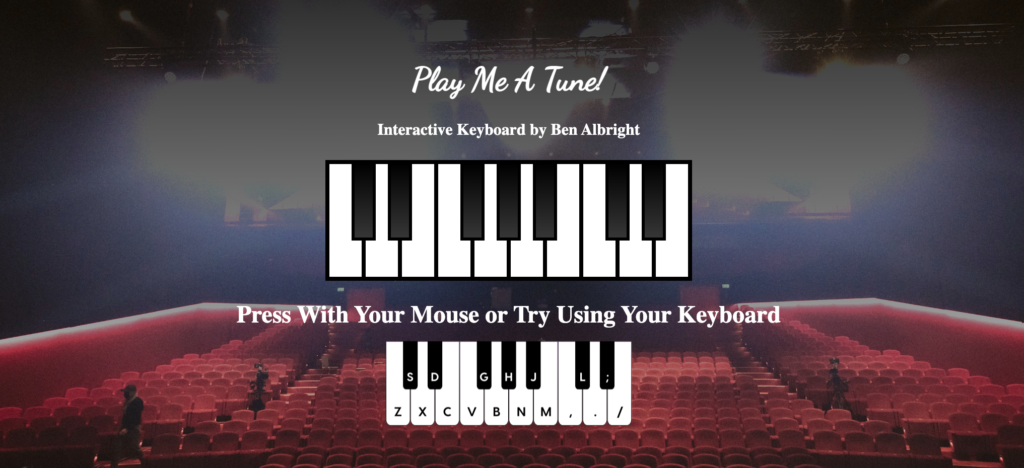
For my final project, I decided to pick a topic that I am highly comfortable with to go beyond my Javascript comfort zone. I did this by making a fully functional 17 key piano. I used html to make each individual key as a button, and I styled it completely to look just like a piano. While I would have been happy stopping there, the Javascript element of this project is where the true work began. I took samples from a real piano playing seventeen individual pitches and matched them to the keys on the piano I made in the document. These pitches were long sustained notes, so I added my own decay to the notes in the “playNote” function, to mimic a real instrument. After assigning each pitch and making sure that they worked, I wanted to take the project a step further by making this piano play like a piano. I did this by using Javascript to listen for key codes from the user, who, with the accompanying guide, can play my piano with their computer keyboard! This includes playing chords with multiple inputs!
Just as in 6010, this class proved to me that I really could code. As a former computer systems engineering major who could barely survive the intro classes freshman year, I never thought that coding would be in my future, but in just one calendar year, I have already learned so much. If NMIX 6010 proved that I could code, NMIX 6020 showed what’s behind the curtain. These websites were raw, but they showed off crucial intricacies that greatly helped me understand what I was doing as I was doing it. I look forward to putting my understandings from this course to use as I progress further in the Emerging Media Masters program.
